Windows 10 Tutorial: Remove Live Tiles Completely

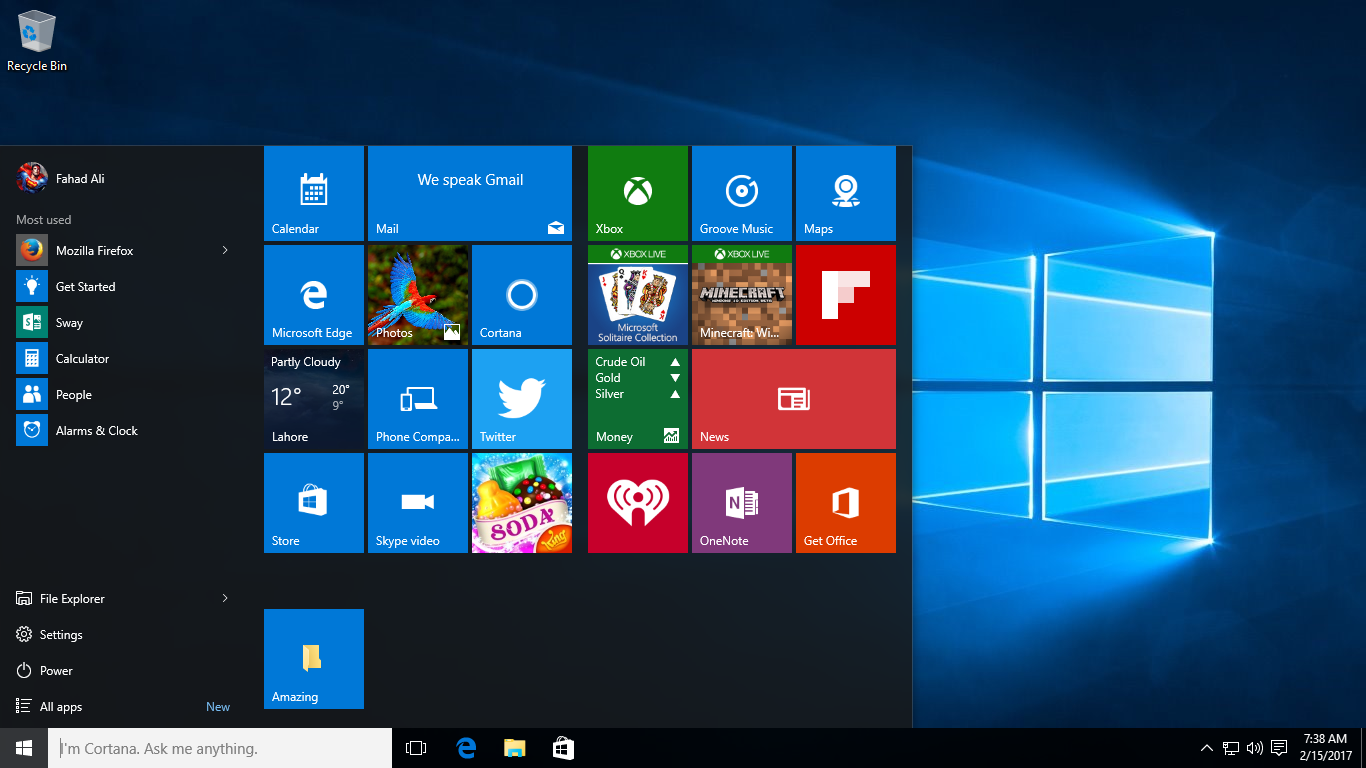
If you are the minimalistic type, or really dislike the Windows 10 tiles, then you can remove all the live tiles from the Start menu, and end up with a neat, single-column panel. Which you can see above. This is not a process that is automated, though. In fact, it’s somewhat annoying. You will have … Read more

Windows 10 Tutorial: Group Tiles Using Categories

Windows 10 arranges tiles in the Start menu into preassigned groups, like Explore Windows, Life at a glance, and so on. But you can also group these tiles using your own categories. If you want to rename an existing group, simply click the heading, select the current text, and then type your own group name. … Read more

Windows 10 Tutorial: Add Useful Icons To Your Desktop

Windows 10, by default, only shows the Recycle Bin icon on the desktop, unlike previous versions of the operating system that had a handful of them straight on the desktop. It is, however, possible to add more. Many more. Including a handy link to the Control Panel. To do so, click Start, then go to … Read more

Windows 10 Tutorial: Find A Lost Device

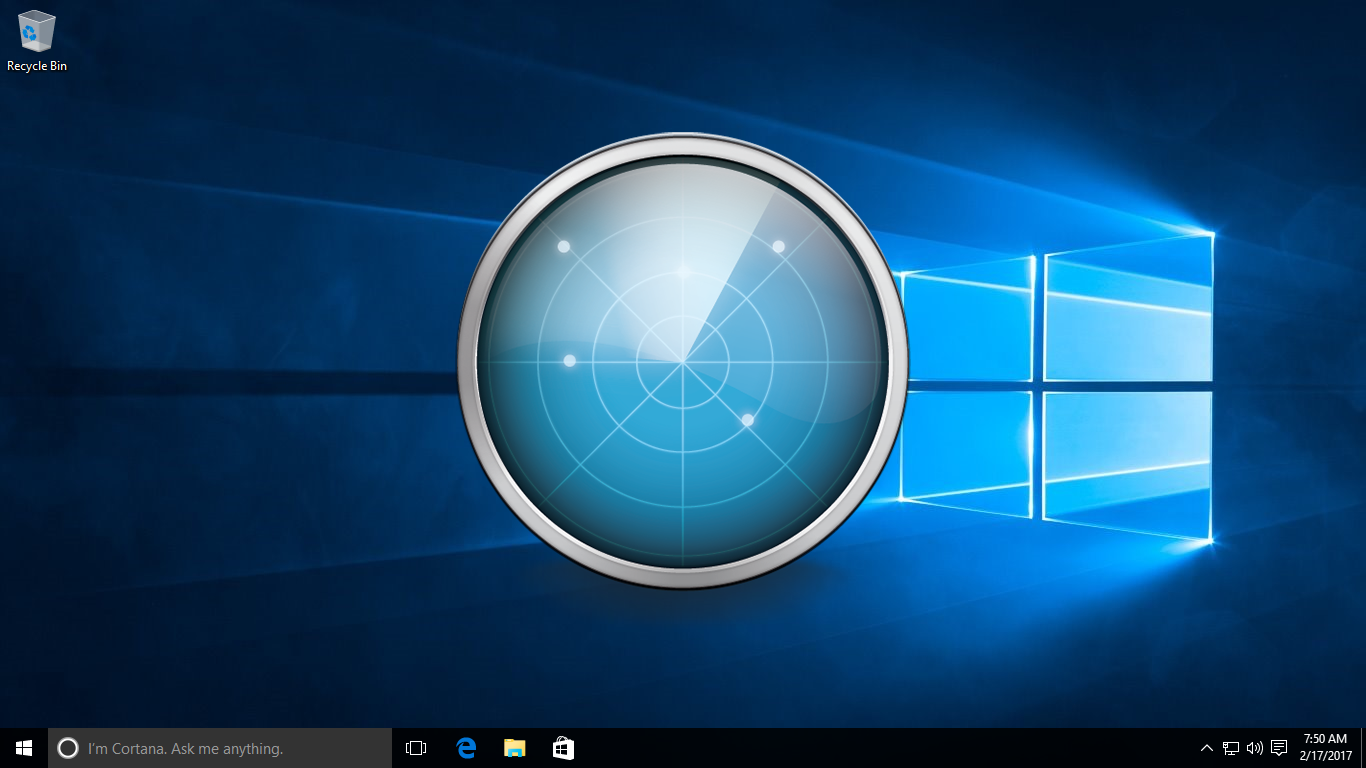
Other competing platforms have long had features that can help owners find their lost devices. For example, Apple has Find My iPhone, and Android has Device Manager. However, Windows 7 and 8.1 users have to rely on the kindness of strangers if they leave their PCs or devices in the back of a taxi, for … Read more

Windows 10 Tutorial: Remove Ads From The Start Menu

One of the more controversial aspects of Windows 10 is the ads that Microsoft shows in the Start menu. It calls them Suggested, but these are links to apps and games from the Windows Store. By default, these are enabled in the operating system. But luckily, the company also makes it easy enough to turn … Read more

Windows 10 Tutorial: Advanced Searching

Searching for files, settings and other things in Windows 10 is easy enough, but it does not always produce the desired results. Thankfully, advanced searching is something that Microsoft has built in. You can try using operators like AND, OR and NOT in your searches. These operators function just like you may be guessing, and … Read more

Windows 10 Tutorial: Take Game Snapshots

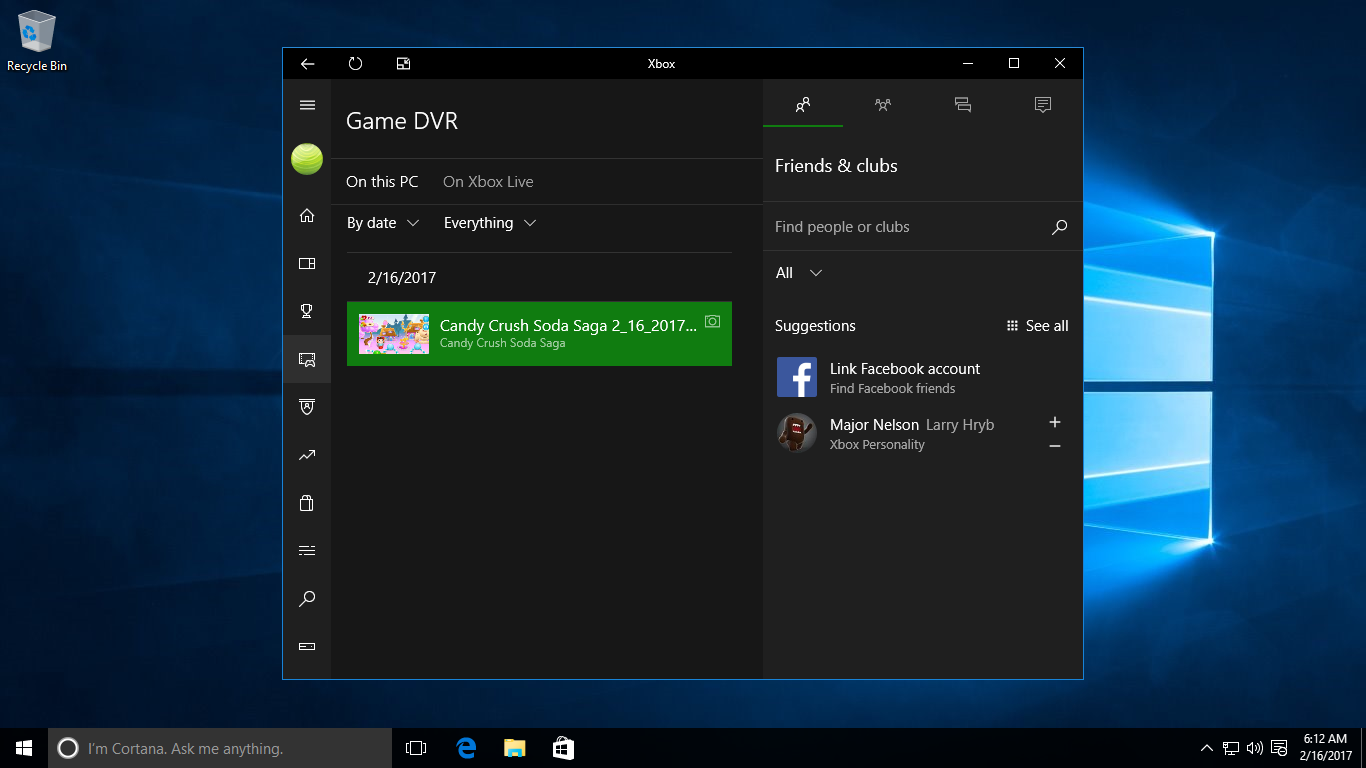
Screenshots, in other words. Although pressing Windows+PrtScn on your keyboard saves the current screen in PNG format in your default Pictures folder, Windows 10 also offers an alternative method. One that is available when playing games. If you reach your goal in a game, or achieve your highest ever score, for instance, and want to … Read more

Windows 10 Tutorial: Swap Mouse Buttons

The mouse is usually designed for right-hand people, with the left button conveniently positioned underneath the index finger, and the right button under the middle finger. This, naturally, is a bit awkward for left-handed people. So, if you are southpaw, a lefty, then you might find it better to switch the mouse buttons around so … Read more

Windows 10 Tutorial: Add Folders As Start Tiles

Yes, you read that right! It is possible to add folders to the Start menu as tiles, and this definitely makes for a convenient way to access your favorites right from an accessible location. That said, the process is not exactly straightforward. It has to be done the old way, in other words, but it … Read more

Windows 10 Tutorial: Get The Old Start Screen

There is a whole army of Windows 8 users that are making upgrades to Windows 10. And if you are one of these users, then the Start screen is one area that makes the transition a bit jarring. Particularly if you became familiar and comfortable with the Start screen in this older version of the … Read more