Windows 10 Tutorial: Customize The Command Prompt

You can now change the way the Windows 10 Command Prompt looks and works. Several handy customizations are provided, all neatly tucked away in a special panel. A special panel that you can bring forth straight from the Command Prompt itself. Open it up by clicking Start, typing cmd, and pressing Enter. Now, right-click the … Read more
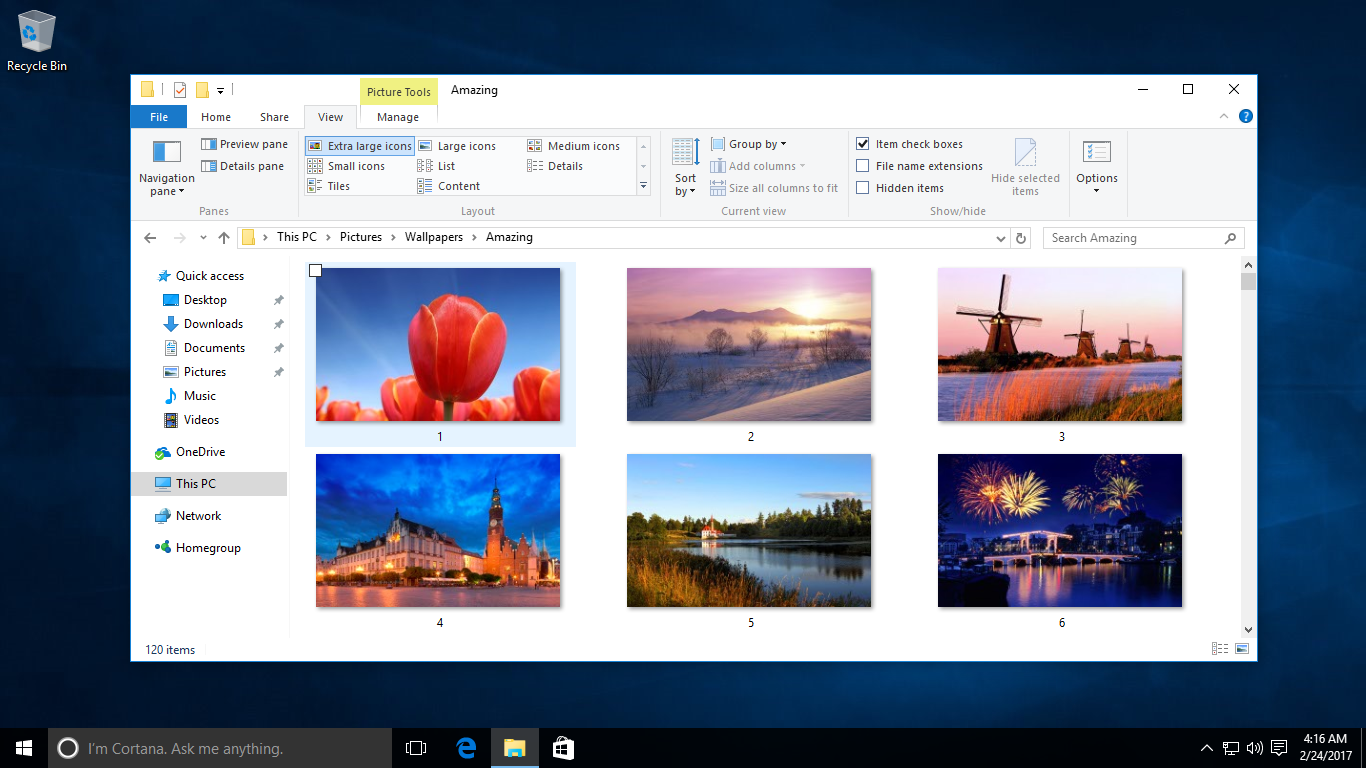
Windows 10 Tutorial: Get Rid Of Check Boxes On Icons

Windows 10 has a real shoddy way of displaying check boxes on icons when you select them. This comes in handy in some cases, but more often than not, it is distracting. More so, for users that are comfortable with how things were in the previous versions of the OS. Luckily, Microsoft also provides an … Read more

Windows 10 Tutorial: Change File Explorer Views

By some counts, File Explorer is the most important utility built into Windows 10. Certainly the most useful, as it shows you the files and folders on your disk drive, and allows for their management. This is a feature rich application, and offers several different view options — enabling the disk contents to be displayed … Read more

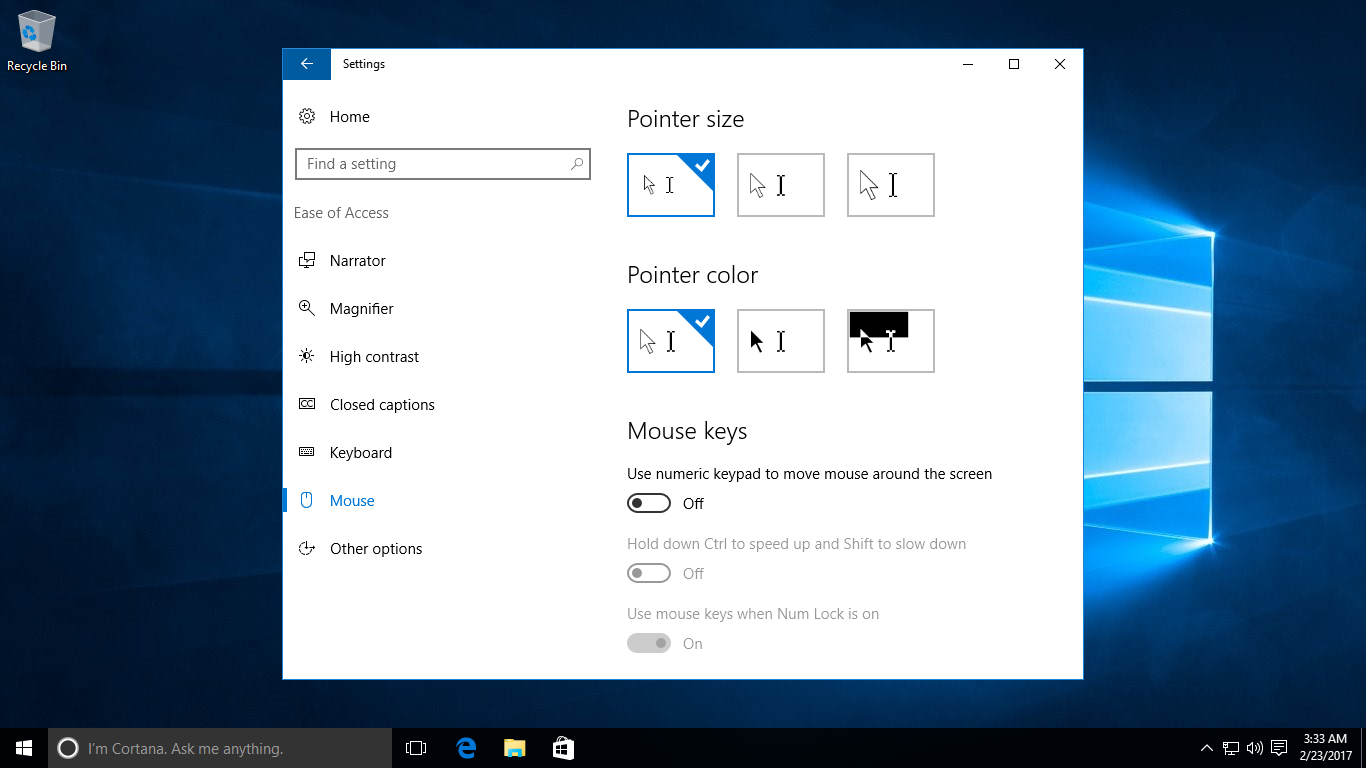
Windows 10 Tutorial: Change The Mouse Pointer

If you have problems seeing it, you can easily change the mouse pointer to something that is more suitable for your eyes. The default one does have the tendency to disappear among the windows, icons and other screen objects, after all. You can select a different design from the Settings panel. Go to Settings > … Read more

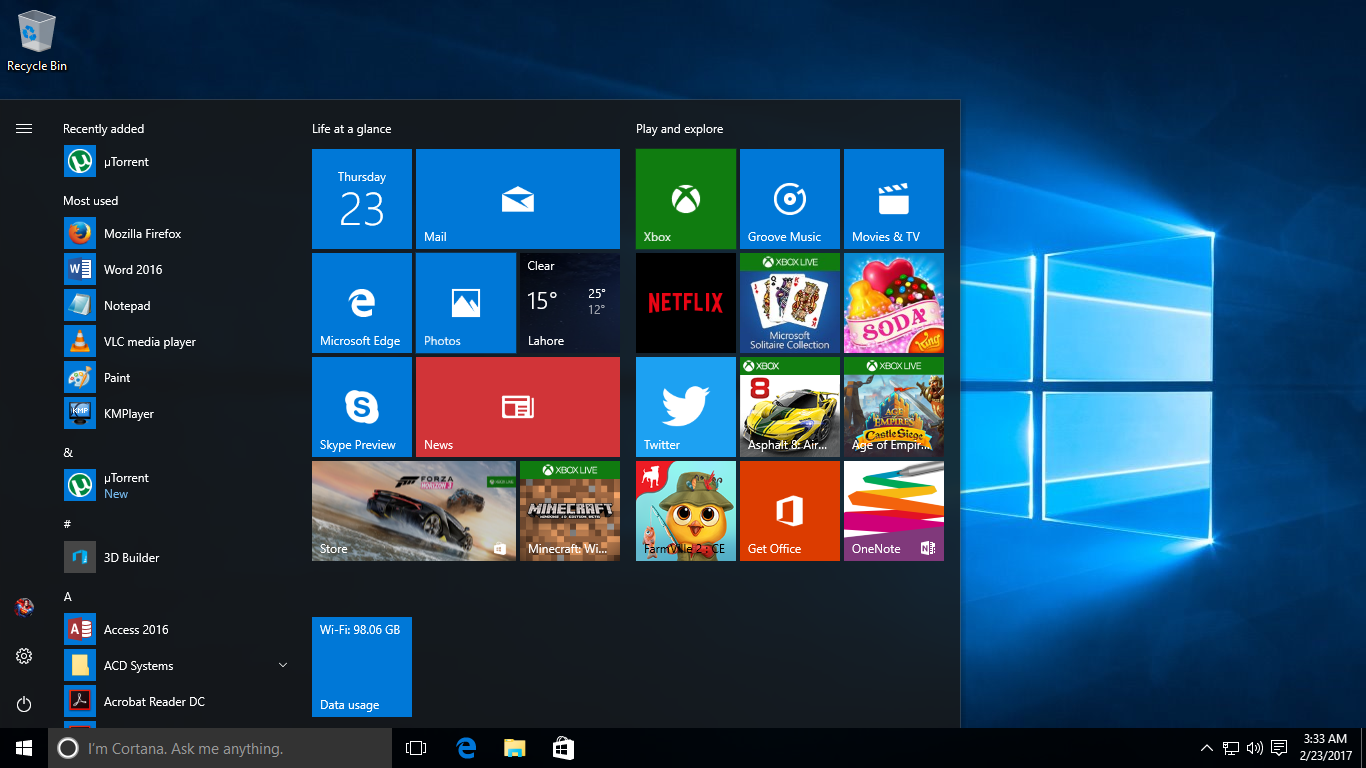
Windows 10 Tutorial: Pin And View Data Usage

Windows 10 is remarkable in how it integrates many of the features and options that required the use of third-party applications in previous versions of the operating system. Case in point, the ability to see the consumed data for a particular device. It’s almost a necessity in this day and age of mobile — and … Read more

Windows 10 Tutorial: Add An App To The Lock Screen

Another useful little addition that Microsoft has baked into Windows 10 is the ability to display a status icon for some apps in the Lock screen. These are dynamically updated, obviously. For example, the status icon for the Mail app will show the number of unread messages. You can also have the Lock screen show … Read more

Windows 10 Tutorial: Automatically Lock Your Computer

This is something that can come in real handy for busy professionals. Windows 10 can automatically lock your computer after a set period of time, requiring you to enter your password to get back access. If you simply want to lock your computer manually, you can of course do so by clicking your username at … Read more

Windows 10 Tutorial: Import Passwords To Microsoft Edge

Microsoft Edge may be a new web browser, but its market share is steadily rising. New Windows 10 users continue to give this new solution a try as they upgrade to the OS. One of the most important aspects of switching to a new web browser, however, is bringing the saved passwords from your old … Read more

Windows 10 Tutorial: Use A Metered Internet Connection

Windows 10 requires an internet connection for many tasks, but the good thing is that Microsoft has built in an option to limit this access for users that are on limited download plans. The OS requires a fair amount of bandwidth for downloading operating system updates, refreshing the content in apps like News and Weather, … Read more

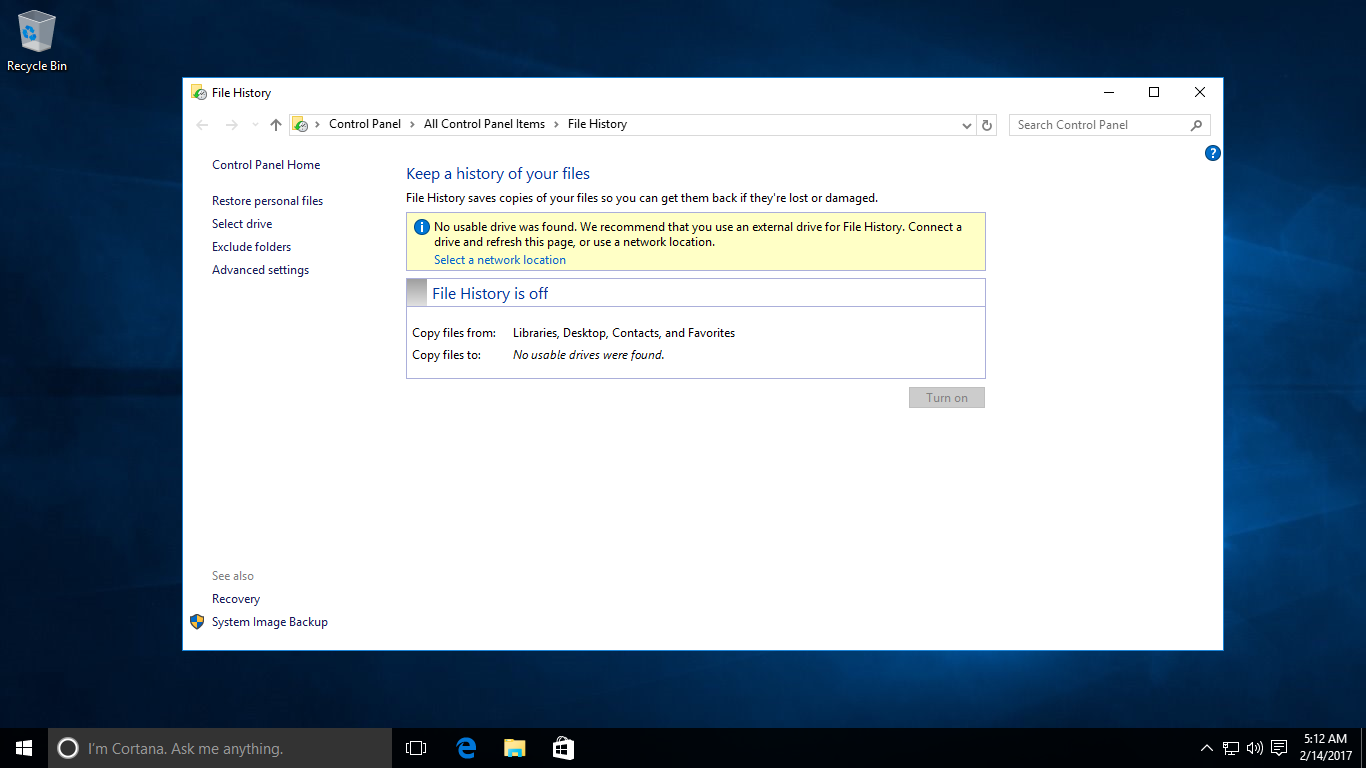
Windows 10 Tutorial: Use File History To Backup Data

Although it is now rare, but hard drives do sometime develop faults and files are corrupted and lost. Windows 10, luckily, comes with a File History feature that can be easily used to backup important data. Microsoft has included this new feature in Windows 10 as a simple form of backup that enables users to … Read more