How to Change Desktop Background in Windows 10

In this article we would learn the different methods of changing the wallpaper in Windows 10.

In this article we would learn the different methods of changing the wallpaper in Windows 10.

Don’t just accept the default icon size in Windows 10. Change it up, and make it work for you, depending on the size of your monitor or how comfortable your eyes are. In fact, you don’t even need any third-party tools, software programs, applications or registry tweaks. It’s all built in. Simply right-click on an … Read more

Microsoft has really paid some due attention to the Lock screen in Windows 10, and although it still should be familiar to any previous Windows user, there are some new options here and there. Options that allow users to get more from the Lock screen in the operating system. The highlight being the ability to … Read more

Up until recently, the dark theme for Windows 1 was hidden away. And switching to the dark mode required users to carry out a complex registry hack. But not anymore. The dark theme is now available to anyone via the Settings app since the Anniversary Update. To activate it, go to Start, then Settings, and … Read more
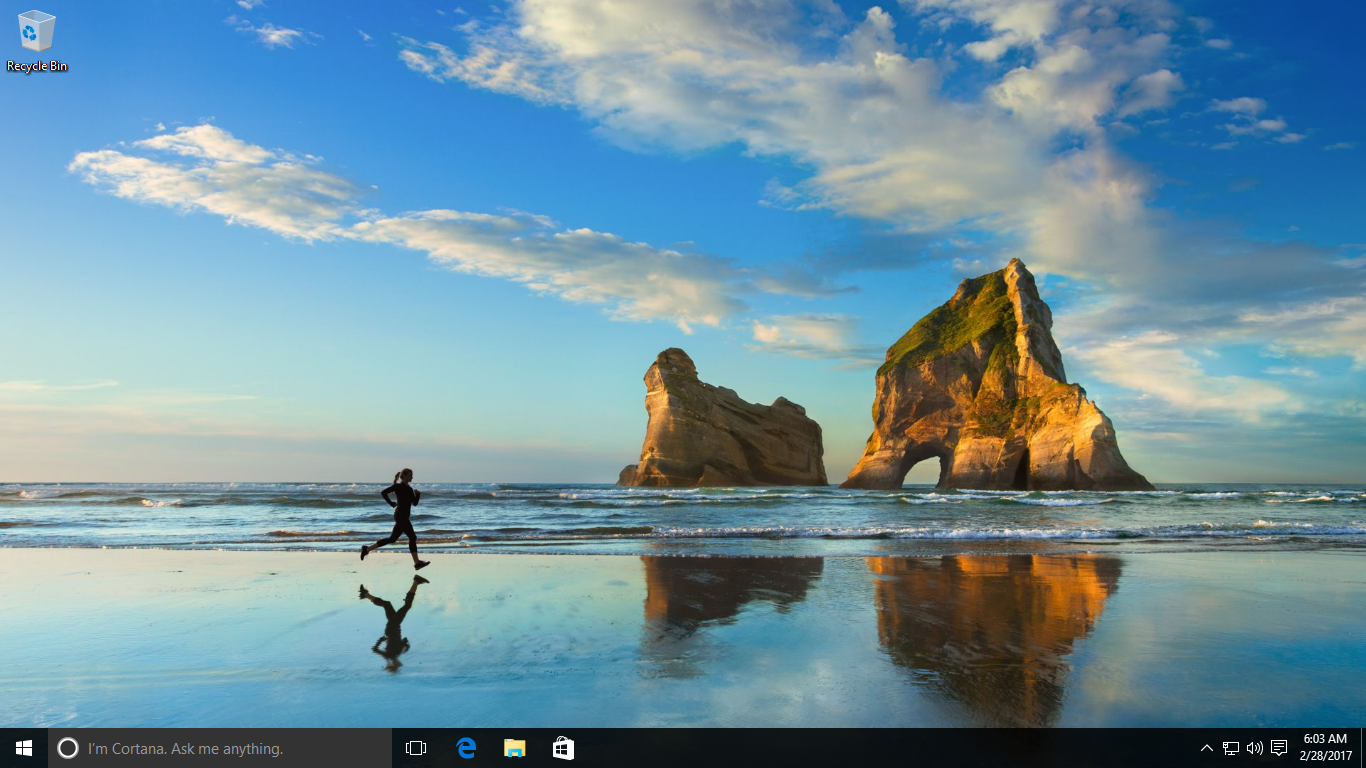
It is still possible to use Windows 7 style themes in Windows 10, that combination of backgrounds, colors and system sounds. Although the option is somewhat buried in the new OS. But it’s still available. You can check out the included themes, and download new ones from Microsoft by clicking Start, then going to Settings, … Read more

Thankfully, desktop is the heart of Windows 10, with Microsoft focusing back on this tried and tested environment, after focusing heavily on the Modern UI in Windows 8. The Start screen interface in this older version of the OS was quite disorienting. There’s something like too much of a good thing, and the Start screen … Read more

Microsoft has set up a fancy new way of delivering updates to users with Windows 10, using peer-to-peer technology similar to BitTorrent in order to take the strain off its own servers. Can’t blame them considering the sheer volume of updates Windows 10 requires and installs. It does this by making Windows 10 users upload … Read more

Windows 10 has this annoying habit of restarting or scheduling restarts at the wrong time. A restart is fine for most users, but could be a problem for power users, or those who heavily use their PC or device through a day. Luckily, Microsoft has added an option to set a custom restart time. You … Read more

Microsoft is all too keen on keeping Windows 10 updated for all its users, and the default setting in the operating system is to download and install updates whether you want them or not. But while most home users are not provided a say in delaying these, there are a few settings to tweak. You … Read more

The new Quick Access view is how File Explorer now appears in when you open it, displaying a selection of frequently used folders and recently used files. But while this view is useful, it is very much different from the old one — the My Computer style look that was used in Windows XP and … Read more