Windows 10 Tutorial: Change Microsoft Edge Download Folder

When it made its debut, Edge certainly did things its own way. For example, the Windows 10 web browser saved every file to the Downloads folder the user profile. Microsoft did not even provide a way for users to save their downloaded files to a different folder, or say, the desktop. At the start, that … Read more

Windows 10 Tutorial: Check If Windows 10 Is Activated

Microsoft has made a few noteworthy changes to how Windows 10 is activated, and most of them are for the better. They process has been streamlined, while also being made easier. Depending on how you got your copy of the operating system, Windows 10 will either make use of digital entitlement or a 25-character product … Read more

Windows 10 Tutorial: Show File Extensions

Most of the time you will have no need to show file extensions, as you can quickly right-click or press the Alt + Enter keys to display the properties of a file, and see what type of a file it is. However, you might want to show file extensions for the files on your PC … Read more

Windows 10 Tutorial: Use Open With

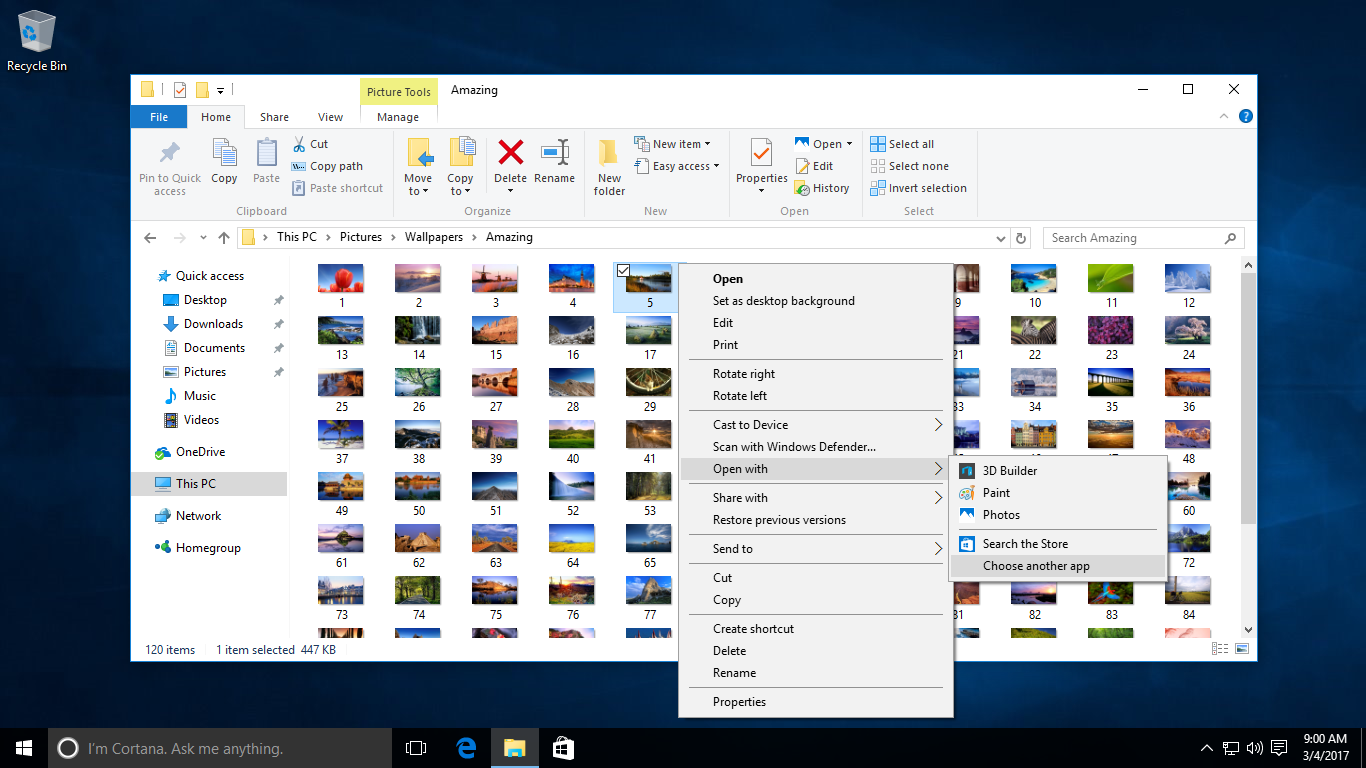
While you can always permanently change the application that is associated with a file on Windows 10, sometimes you may need open a file in a different software to the default. Without changing the default association, that is. To do so, right-click the file in Explorer and select Open with, then choose an application to … Read more

Windows 10 Tutorial: Faster Scrolling

If you’re a power user, and not actually using a touchscreen to navigate webpages, you might want to go in with faster scrolling on websites and other documents in Windows 10. The default speed is okay for most uses, but an increase can be very useful for some. You can make these adjustments in the … Read more

Windows 10 Tutorial: Delete Unnecessary Files

You can free up drive space and keep Windows running efficiently by using the Disk Cleanup tool to delete unnecessary files on your computer that your system no longer needs. These can range from temporary files to thumbnails that Windows 10 stores for its use. Although today’s hard drives are quite large, it is still … Read more

Windows 10 Tutorial: Set Up A Proxy

Gone are the days of older versions of Windows where you had to fiddle around with Internet Explorer panels to set up a proxy connection. Now you can do so throughout the OS level in Windows 10. All from the Settings app, of course. To set one up, make sure you have your login credentials … Read more

Windows 10 Tutorial: Find Internet Explorer

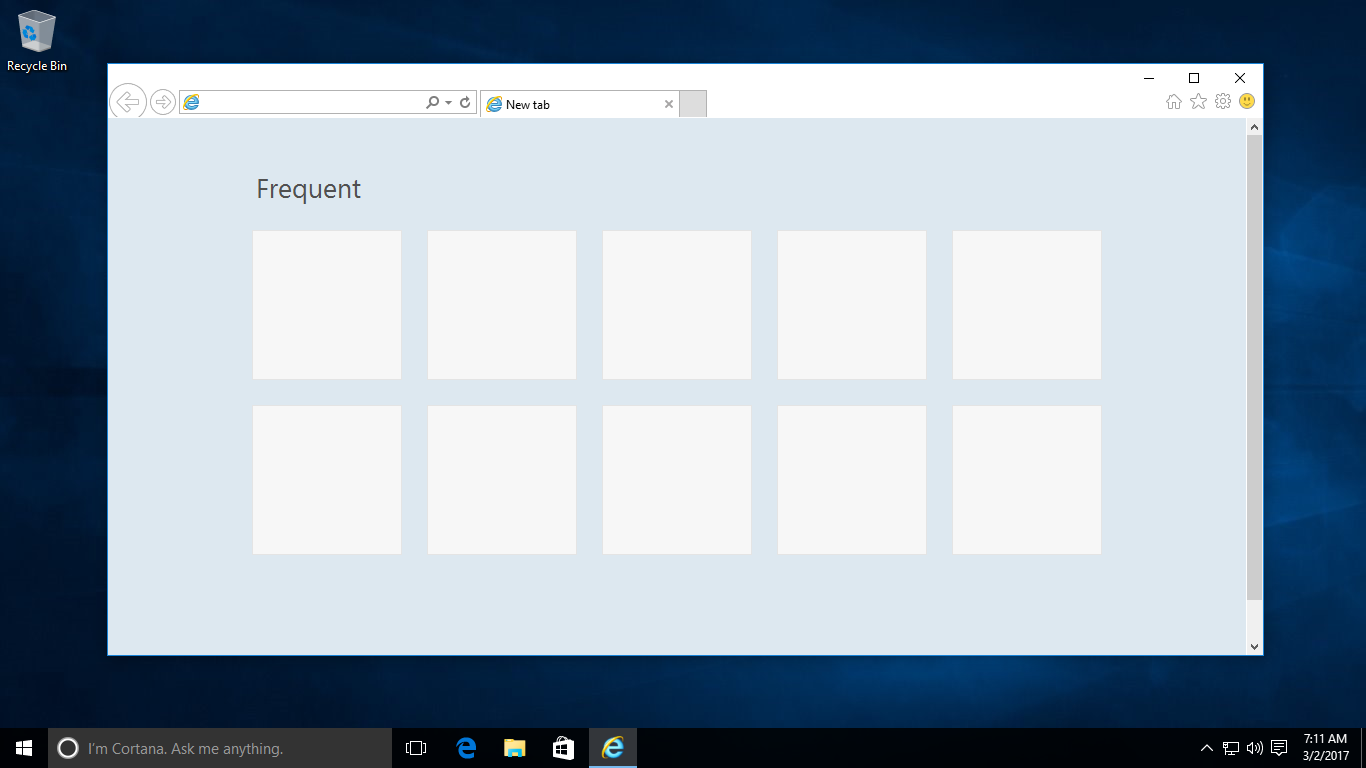
In order to make sure that people use the Edge web browser, Microsoft has neatly tucked away Internet Explorer in Windows 10 under separate menus and whatnot. The vintage web browser is not available as an icon on taskbar, nor at the front in the Start menu. Although those that want to can still easily … Read more

Windows 10 Tutorial: Automatically Delete Browsing History In Edge

Like most modern web browser, Microsoft Edge comes with a private mode, called InPrivate, that opens up the app in incognito mode. A separate, private window that does not save certain elements. Elements like visited pages, cookies, searches and temporary files. However, not many people use these private modes, and much rather prefer clearing their … Read more

Windows 10 Tutorial: Save Battery

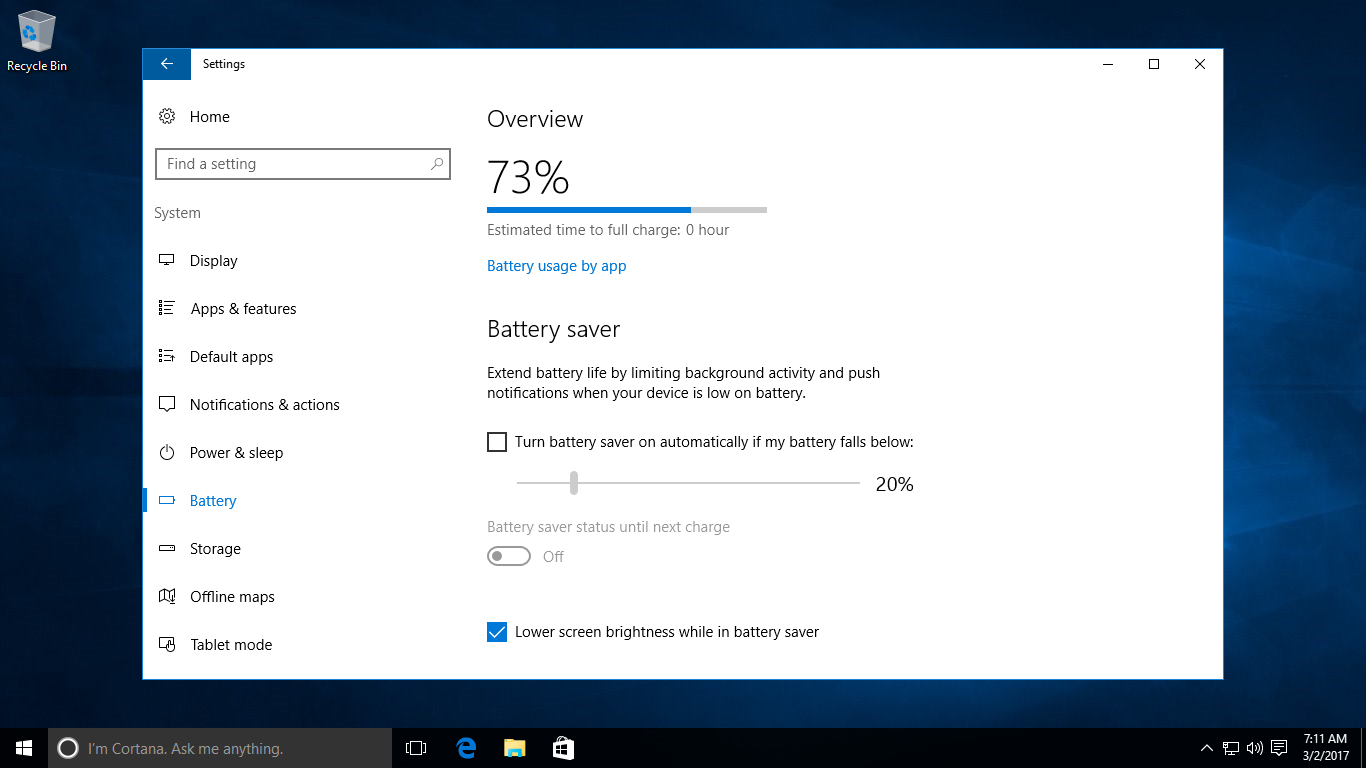
Microsoft has finally baked in a few dedicated options to conserve battery in Windows 10. Even though previous versions of the operating system already did a fairly good job with this. But Windows 10 basically comes with a new mode called Battery saver that automatically limits background activity and push notifications when a device is … Read more