Windows 10 Tutorial: Always Boot To Advanced Startup Settings

We all have to deal with situations like these. Every once in a while, your Windows installation may develop some errors leading to your computer not booting up correctly, or not starting up at all. Luckily, Windows 10, just like previous versions of the OS, comes with advanced troubleshooting capabilities for cases like these. In … Read more
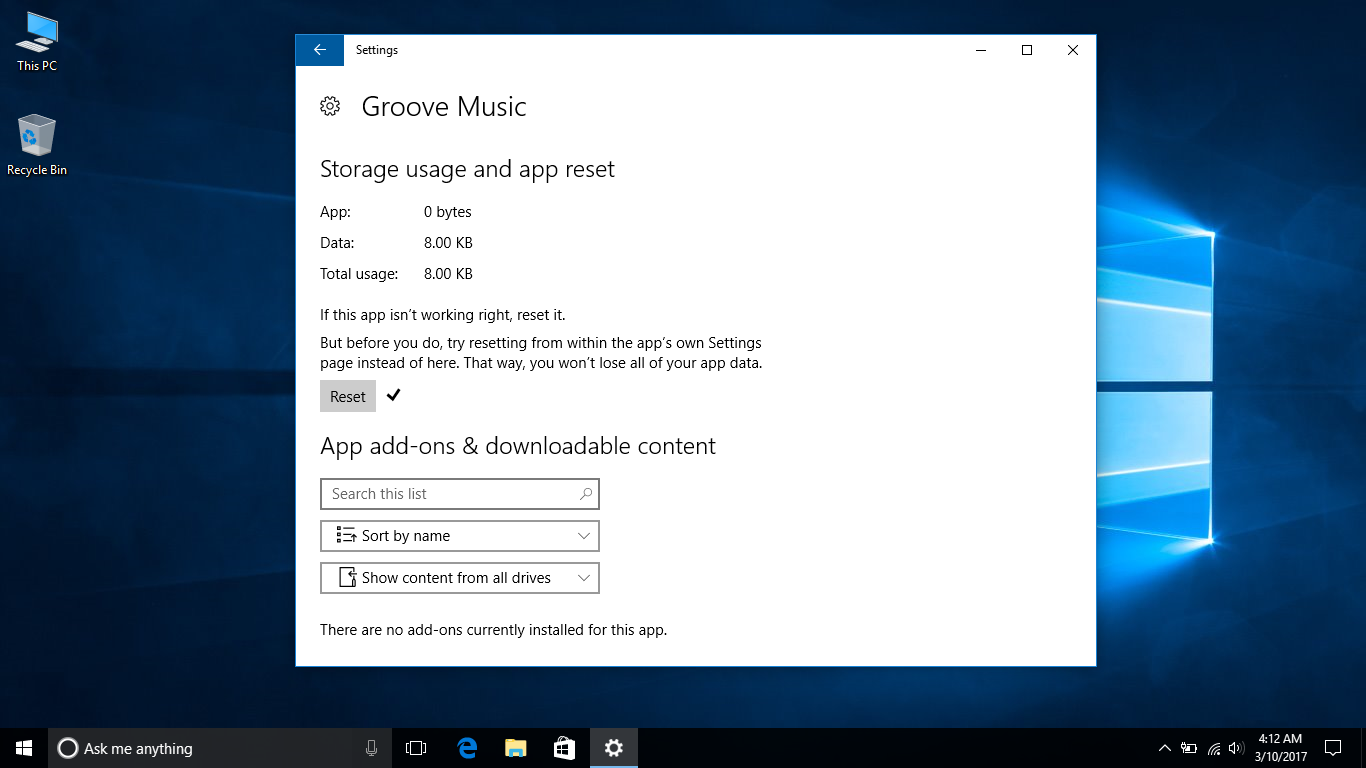
Windows 10 Tutorial: Reset An App

Or apps, if you want to put it that way. Although a recent addition to the operating system, Microsoft has now made it possible to reset an app, if it starts to misbehave. Even the default Windows apps that are included in the operating system can also be easily reset if they get into a … Read more

Windows 10 Tutorial: Create Keyboard Shortcuts For Apps

Back in the good old days, power users that had many apps installed could have their shortcut icons splattered on the desktop, or arrange them in the Start Menu. With the advent of tiles in the operating system, opening a Windows app or game, for most people, usually means them rolling their mouse pointer over … Read more

Windows 10 Tutorial: Change The Default Font

Time for some creative tinkering! Segoe is the name of the font that Microsoft uses as default in Windows 10, but with a simply registry edit, you can change it. Giving your operating system a completely new look and feel, according to your tastes. Before we get down to business, though, you will back up … Read more

Windows 10 Tutorial: Disable The Lock Screen

Ready for some extreme measures? The lock screen in Windows 10 is one of its highlight features, and you get to see it every time your PC boots up or wakes from sleep. Making you click your mouse button or swipe up to make it disappear, before having the login prompt displayed on your screen. … Read more

Windows 10 Tutorial: Change The Virtual Memory Size

Virtual memory, as the name implies, is what Windows uses at times when your computer does not have enough physical memory to run a program or operation. It’s not as necessary to have enabled if you have say, 16GB or 32GB of RAM. And do the usual stuff on your PC — not intensive work, … Read more

Windows 10 Tutorial: Find Your MAC Address

Short for Media Access Control, by the way. Every network device or interface has a unique ID, known as the MAC address, which can be useful for when setting up internet access for that device. On Windows 10, the MAC address your network card is what you will want to find out, and there are … Read more

Windows 10 Tutorial: Disable Flash In Microsoft Edge

The infamous Adobe Flash plugin may no longer be all the rage it once was, but it is still occasionally necessary for the modern browsing experience. Hence, it’s including in Microsoft Edge. However, this plugin is notorious for its security holes. And the web is moving away from it. You can too, by following these … Read more