Windows 10 Tutorial: Turn Off Hard Disk After Idle

This handy little option is almost a necessity for users that are using traditional hard disk drives in their systems, as opposed to solid state drives, or SSDs. It is a necessity for extending battery life. While also saving a little energy in the process. And that is because the Turn off hard disk after … Read more

Windows 10 Tutorial: Turn AutoPlay On Or Off

AutoPlay was all the rage when it was added to Windows back in the good old days, but with the world moving away from traditional storage media in favor of online content, it has taken a backseat. Still, Windows 10 does come with a very robust set of AutoPlay options for when you plug in … Read more

Windows 10 Tutorial: Turn Peek At Desktop On Or Off

Also known as Aero Peek, the Peek option in Windows allows you to preview the desktop when you move your mouse over to the Show desktop button at the end of the taskbar. The one in the very bottom corner at the right, usually. Peek is turned on by default in Windows 10, and this … Read more

Windows 10 Tutorial: Adjust Screen Brightness

Laptops and tablets sure have it easy these days, as they come with shortcut keys right on the keyboard to adjust screen brightness. Desktop PCs, not so much. However, there are several ways to adjust the brightness of your display in Windows 10. You can make these adjustments in the Action Center, or Display panel … Read more

Windows 10 Tutorial: Change Date And Time Formats

For those of you who travel a lot, changing the date and time formats on Windows 10 may well be a necessity. You can change how date and time is displayed in the OS via either Settings or Control Panel. On Settings, simply fire up the app, and then tap on the Date & time … Read more

Windows 10 Tutorial: Change The Date

There are a few different ways to change the date in Windows 10 on the PC, with the only requirement being that you will have to be signed in as an administrator to be able to make the change. First one is to change the date in Settings, second is in the Control Panel, and … Read more

Windows 10 Tutorial: Enable Or Disable Tablet Mode

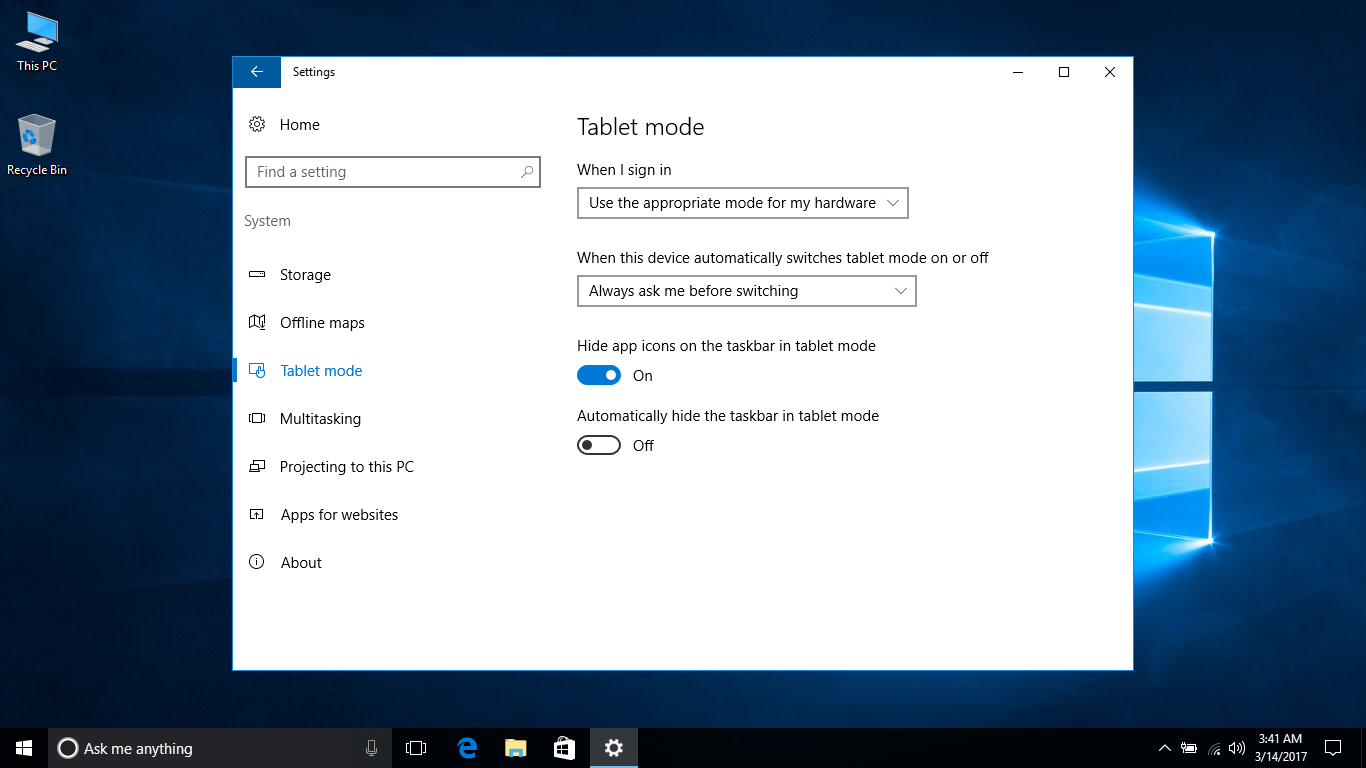
One either really likes, or really dislikes the tablet mode in Windows 10. But luckily, Microsoft has made it very easy to enable or disable, and configuring it is just a matter of three basic steps. Before we get to those, though, a quick rundown of what the tablet mode is. This new mode has … Read more

Windows 10 Tutorial: Change Windows Explorer Default Folder

management program in Windows is one of the most used elements of the operating system. That said, Microsoft rarely changes it up, though. It seldom adds new options and features to Explorer. And there is no built-in option to change which folder it opens at launch. In Windows 10, the default folder that Explorer opens … Read more

Windows 10 Tutorial: Run An App In Compatibility Mode

Microsoft has added in a very useful feature in recent versions of Windows that allows users to run an app in what it calls Compatibility mode. This comes in very handy for Windows 10, in particular. With this, you have the ability to force an app to use settings from an earlier version of the … Read more

Windows 10 Tutorial: Enable Do Not Track In Microsoft Edge

Ads are fine online, if they are in moderation. But many websites and third-party content that they host constantly track your behavior, like the pages you visit, the links you click, and the products you buy. Modern browsers, including Edge, come with a Do Not Track option, that allows you to opt out of this … Read more